
How to Pay through Venmo
- Download the app through the App Store – https://venmo.com
- Set up your account and link a bank account.
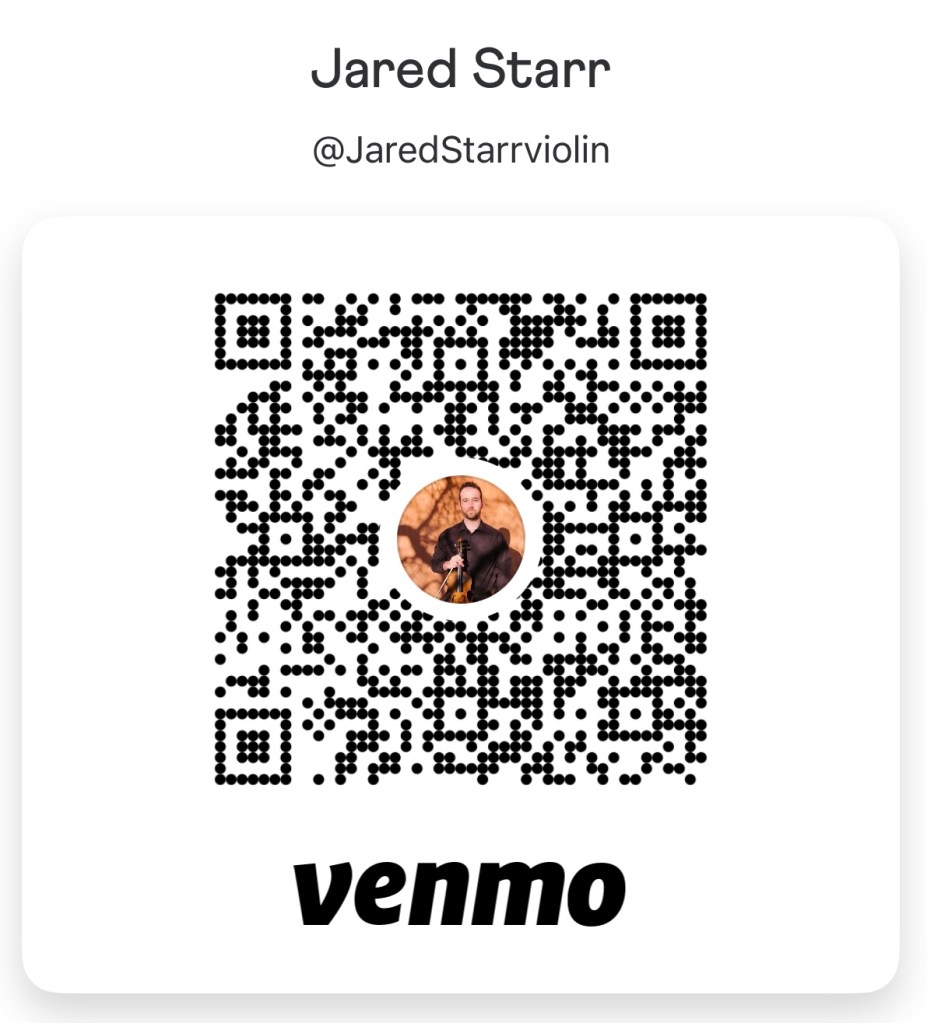
- Pay Dr. Starr at @JaredStarrviolin – verification number if asked for is 6175. Here is a picture of Dr. Starr’s handle:
How to Set up Automatic Payments
- Open Venmo: and tap the Pay/Request button.
- Select your recipient: @JaredStarrviolin
- Enter the tuition amount.
- Tap the Schedule button (it looks like a calendar icon).
- Choose the frequency (monthly on the 1st) and set an End Date or select No End Date.
- Tap Save.
- Review the details and tap Pay, then confirm by selecting Schedule Payment.
 jaredstarrviolin.com