
Most banks and credit unions have the option to use Zelle. It is easy as long as you know how to use it.
How to Pay through Zelle
- Open your banking portal and find the option to pay with Zelle under transfers.
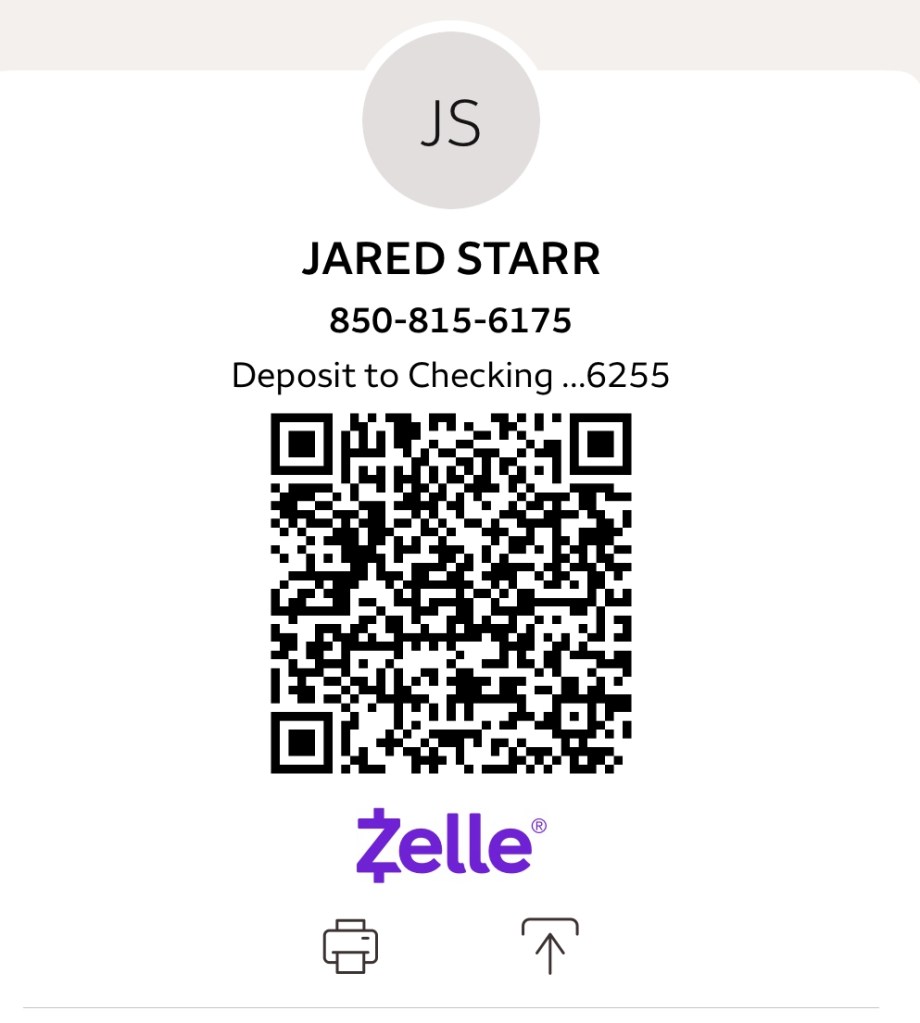
- Add Dr. Starr as a contact: Jared Starr 850-815-6175 as seen below:
How to Set up Automatic Payments – Available through most banks/credit unions
- Log In: Access your bank’s online banking portal or mobile app.
- Navigate to Zelle: Find the “Send Money with Zelle” or similar section.
- Start a Payment: Select your trusted recipient – Jared Starr 850-815-6175
- Enter Details: Input the tuition amount and choose the account.
- Find Scheduling: Look for options like “Make payment recurring,” a calendar icon, or a “Change” button next to the date/send option.
- Configure Frequency: Set the frequency (monthly on the 1st) and the start/end dates.
- Review & Confirm: Double-check details and schedule the payment.
 jaredstarrviolin.com